
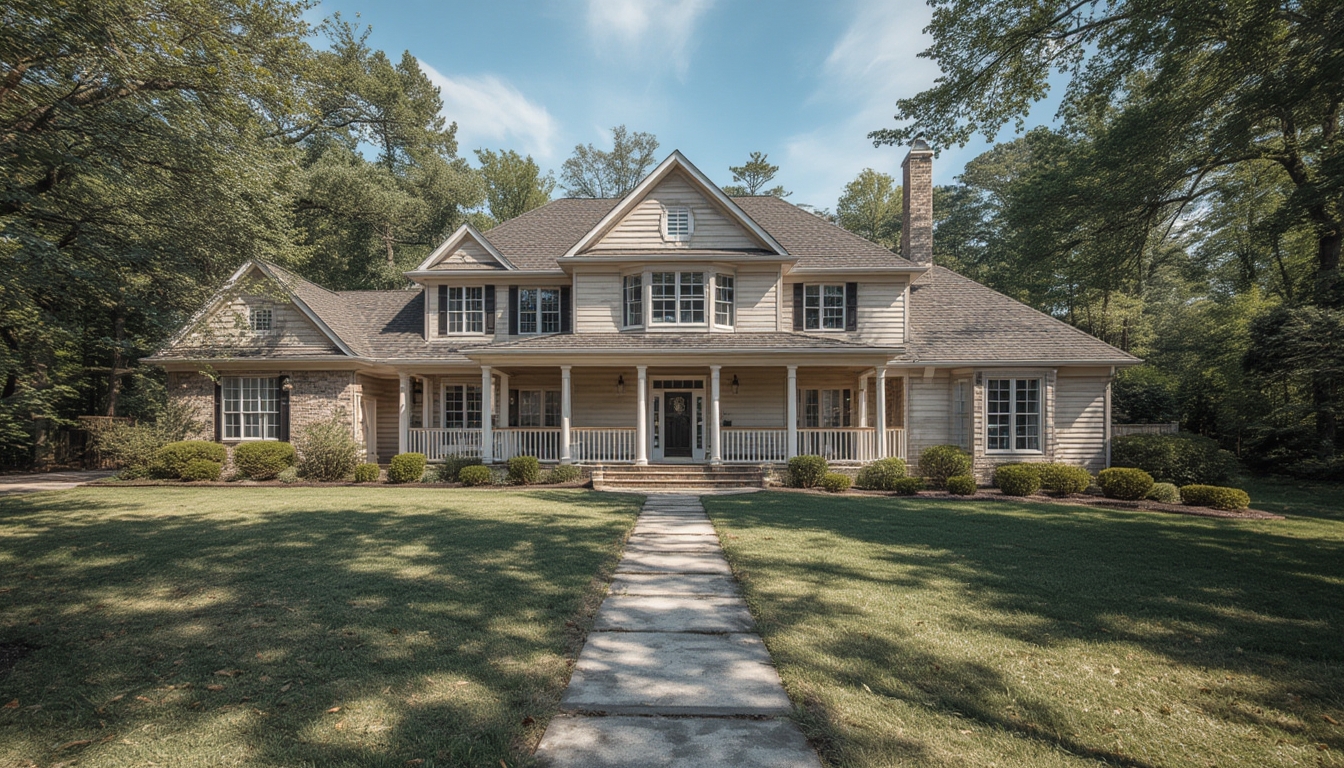

Real home tours have become a powerful way for homeowners, real‑estate agents, and interior designers to showcase spaces in an immersive, authentic manner. By combining high‑resolution photography, 360° video, and interactive floor plans, a well‑executed tour can increase buyer interest by up to 70 % and reduce time on market by an average of 15 days (National Association of Realtors, 2023). This guide walks you through three core processes—assembling the tour, restoring a property for optimal presentation, and styling the final product—so you can create a polished, data‑driven experience that converts viewers into buyers.
1. Assembling a Real Home Tour: From Planning to Publication
1.1. Define Objectives and Metrics
- Goal setting: Decide whether the tour’s primary purpose is lead generation, brand building, or educational content.
- Key performance indicators (KPIs): Track unique visitors, average view duration, click‑through rate to contact forms, and conversion ratio.
- Benchmark data: Use industry averages—average view time for a 3‑minute tour is 1 minute 45 seconds—to set realistic targets.
1.2. Gather Equipment and Software
Below is a checklist of essential tools:
- Camera: DSLR or mirrorless with a wide‑angle lens (16‑35 mm) for interior shots.
- 360° camera: Insta360 ONE X2 or Ricoh Theta Z1 for immersive panoramas.
- Tripod & leveling head: Ensures consistent framing across rooms.
- Lighting kit: Portable LED panels (e.g., Aputure Amaran) to eliminate shadows.
- Software: Matterport Capture, Kuula, or Cupix for stitching and tour creation.
- Computer: Minimum 16 GB RAM, SSD storage, and a GPU capable of handling 4K video.
1.3. Capture the Space Systematically
- Pre‑shoot walkthrough: Walk the home to note high‑traffic areas, unique features, and potential lighting challenges.
- Set up a grid: Divide each room into a 3‑by‑3 grid; capture a shot at each intersection to ensure full coverage.
- Maintain consistent exposure: Use manual mode and lock ISO, aperture, and shutter speed across all shots.
- Capture 360° panoramas: Position the 360° camera at eye level (≈5 ft) in the center of each room, using a bubble level to avoid distortion.
- Document metadata: Record room dimensions, lighting conditions, and any staging notes in a spreadsheet for later reference.
1.4. Stitch, Edit, and Optimize
- Stitching: Import raw files into your chosen software; use automatic alignment but manually adjust seams where needed.
- Color correction: Apply a consistent white‑balance preset; adjust exposure to keep highlights below 90 % to avoid clipping.
- Compression: Export tours in WebM or H.265 format, targeting a bitrate of 3 Mbps for smooth streaming on mobile devices.
- Accessibility: Add alt‑text descriptions for each hotspot and ensure keyboard navigation works for users with disabilities.
1.5. Publish on WordPress
- Install a compatible tour plugin (e.g., WP VR View or 3D Tour).
- Upload the compressed tour files via the Media Library.
- Insert the shortcode provided by the plugin into the post body where you want the tour to appear.
- Configure hotspot links to additional content (floor plans, video walkthroughs, or contact forms).
- Test the tour on desktop, tablet, and smartphone to confirm responsiveness.
2. Restoring a Property for a High‑Impact Tour
2.1. Conduct a Data‑Driven Condition Audit
Use a simple scoring system (1‑5) for each of the following categories: structural integrity, paint condition, flooring, fixtures, and curb appeal. Aggregate the scores to identify priority areas. For example, a home scoring below 3 in “paint condition” should be repainted before any visual content is captured.
2.2. Prioritize Repairs Based on ROI
| Repair | Average Cost | Estimated ROI |
|---|---|---|
| Fresh interior paint | $2,500 | +12 % |
| Hardwood floor refinishing | $4,800 | +9 % |
| Kitchen backsplash upgrade | $1,200 | +5 % |
| Landscaping refresh | $1,800 | +7 % |
Focus first on high‑ROI items such as paint and landscaping, which have the most visual impact in a tour.
2.3. Execute Restoration Steps
- Paint: Choose neutral tones (e.g., “Classic Gray” 2130‑60) to appeal to a broad audience. Apply two coats with a 10‑minute dry time between layers.
- Flooring: Sand hardwood floors using a 60‑grit disc, then finish with a polyurethane sealant. Allow 24 hours curing before walking on them.
- Fixtures: Replace dated hardware with brushed nickel or matte black finishes; these colors score 4.5/5 in modern design surveys.
- Curb appeal: Trim overgrown shrubs, add a fresh mulch layer (2‑inch depth), and install a low‑maintenance, drought‑tolerant plant (e.g., lavender) for visual interest.
2.4. Verify Readiness with a Pre‑Tour Checklist
- All lights functional and bulbs of consistent color temperature (≈3000 K).
- No visible cords or tools left in frame.
- Windows clean—use a squeegee and streak‑free cleaner for a glass‑like finish.
- Room temperature set between 68‑72 °F to avoid condensation on windows during shooting.
3. Styling the Final Tour for Maximum Engagement
3.1. Create a Cohesive Visual Narrative
Data from virtual‑tour platforms shows that viewers spend 30 % longer on tours that follow a logical flow (front door → living area → kitchen → bedrooms). Arrange hotspots in this sequence and use subtle transition animations (fade‑in, 0.3 s) to guide the eye.
3.2. Add Contextual Details
- Room descriptions: Write concise, data‑backed copy (e.g., “The open‑plan living area spans 350 sq ft, featuring floor‑to‑ceiling windows that provide 150 % more natural light than the neighborhood average”).
- Feature callouts: Use interactive pins to highlight energy‑efficient appliances (ENERGY STAR certified) and smart‑home integrations.
- Floor‑plan overlay: Include a clickable SVG floor plan that syncs with the 360° view, allowing users to jump directly to points of interest.
3.3. Optimize Interaction Speed
Run a Lighthouse performance audit on the published page. Aim for a First Contentful Paint (FCP) under 1.5 seconds and a Speed Index below 2.5 seconds. If scores dip, compress images further or enable lazy loading for off‑screen hotspots.
3.4. Encourage User Action
- Place a prominent “Schedule a Showing” button within 5 seconds of the tour start.
- Use a short, auto‑playing video (15 seconds) at the end of the tour that recaps key selling points.
- Collect email addresses via a pop‑up that offers a downloadable PDF of the property’s specifications.
3.5. Post‑Launch Monitoring
After publishing, monitor the KPIs defined in Section 1.1 for at least 30 days. If the average view duration falls below 1 minute, consider adding more engaging hotspots or improving lighting in darker rooms. Adjust based on real‑time data rather than intuition.
Conclusion
By following this data‑driven workflow—starting with clear objectives, executing a meticulous capture process, restoring the property with high‑ROI improvements, and styling the tour for seamless interaction—you can produce a real home tour that not only looks stunning but also drives measurable results. The combination of precise planning, the right tools, and continuous performance tracking ensures each tour becomes a powerful asset in your real‑estate or design portfolio.