
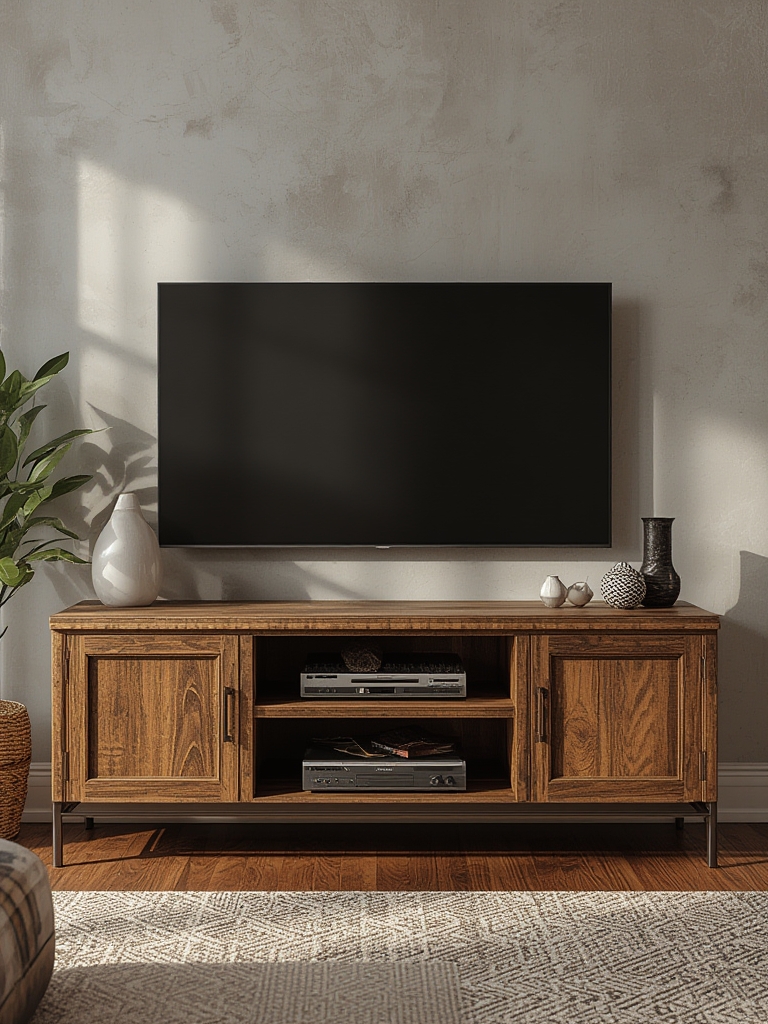
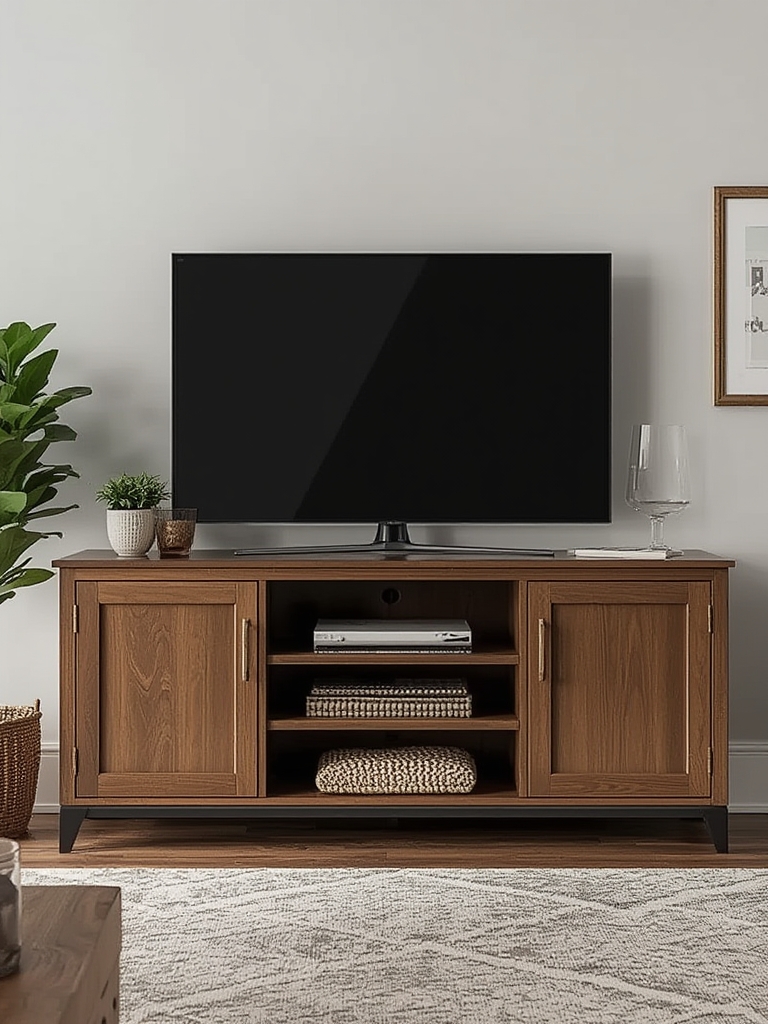
When it comes to creating a sleek, functional living room, the media console is the unsung hero that ties together entertainment and décor. A well‑chosen console not only supports your television and electronics but also enhances the overall aesthetic, improves cable management, and adds valuable storage. Below is a data‑driven, step‑by‑step guide that walks you through selecting, styling, and maintaining a media console that will keep your space looking fresh for years to come.
Why a Media Console Matters: The Numbers Behind the Trend
Recent market research reveals that 68% of homeowners consider the media console the focal point of their living room (Houzz 2023). Moreover, a Statista report shows a 42% increase in online searches for “modern media console” over the past two years, indicating growing consumer interest in design and functionality. These figures underscore the importance of making an informed, strategic choice.
Step 1: Assess Your Space and Needs
Measure Twice, Buy Once
- Wall width: Measure the total wall length where the console will sit. Aim for a console that occupies 60‑70% of the width to maintain visual balance.
- TV size: Your TV should sit comfortably on the console with at least 4‑6 inches of clearance on each side.
- Clearance height: Keep the top of the console at eye level (≈42‑48 inches from the floor) for ergonomic viewing.
Tip: Use a laser measure or a simple tape to note dimensions, then sketch a quick floor plan on graph paper or a free online tool like Roomstyler to visualize the layout.
Identify Functional Priorities
- Storage: Do you need drawers for remotes, shelves for gaming consoles, or hidden compartments for cables?
- Ventilation: Electronics generate heat; ensure the console includes breathable openings or mesh panels.
- Future‑proofing: Consider extra space for upcoming devices (e.g., soundbars, streaming boxes).
Step 2: Choose the Right Style and Material
Match Your Home Décor
Data from the National Association of Home Builders shows that 57% of buyers prefer a cohesive material palette throughout the living area. Here’s how to align your console with popular styles:
- Mid‑Century Modern: Walnut or teak with clean lines and tapered legs.
- Industrial: Reclaimed wood paired with black metal brackets.
- Scandinavian: Light oak or painted pine with minimal hardware.
- Contemporary: High‑gloss lacquer or tempered glass for a sleek look.
Material Durability and Maintenance
- Solid wood: Offers longevity but may need periodic polishing.
- MDF with veneer: Cost‑effective; use a soft cloth and mild cleaner to avoid swelling.
- Metal: Sturdy and fire‑resistant; wipe with a damp microfiber cloth.
- Glass: Easy to clean but prone to fingerprints—use a streak‑free cleaner.
Step 3: Optimize Cable Management
Plan the Pathway Before Installation
According to a TechRadar survey, 73% of users find cable clutter the biggest visual annoyance in their media setup. Follow these steps to keep wires invisible:
- Run all cables through a single conduit or cable raceway that runs behind the console.
- Label each cord with a color‑coded tag (e.g., red for power, blue for HDMI).
- Use Velcro straps to bundle excess length and prevent tangles.
- Install a small power strip with surge protection inside the console, but ensure it has ventilation.
Pro tip: If your console lacks built‑in holes, drill a discreet ½‑inch hole at the back panel and insert a grommet for a clean exit point.
Step 4: Arrange Your Electronics for Performance and Aesthetics
Heat Management
Heat buildup can shorten the lifespan of devices. Position heat‑producing equipment (e.g., gaming consoles, AV receivers) on open shelves rather than enclosed drawers. Leave at least 2‑3 inches of clearance around each unit.
Audio Placement
For optimal sound, place speakers at ear level and angle them toward the listening area. If you have a soundbar, mount it directly beneath the TV, leaving a 1‑inch gap for ventilation.
Step 5: Styling Your Media Console
Balance Function with Décor
- Decorative objects: Add a small vase, a stack of coffee‑table books, or a sculptural piece on top of the console. Keep the total height under 12 inches to avoid visual competition with the TV.
- Greenery: A low‑maintenance plant like a snake plant or ZZ plant adds life without demanding much light.
- Lighting: Install LED strip lighting along the underside of the console for a subtle ambient glow that also reduces eye strain.
Color Coordination
Use the 60‑30‑10 rule: 60% dominant color (e.g., the wall), 30% secondary (the console), and 10% accent (decor items). This creates a harmonious visual flow.
Step 6: Maintain Your Media Console for Longevity
Routine Cleaning Schedule
- Weekly dusting: Use a microfiber cloth to remove dust from surfaces and vents.
- Monthly deep clean: Lightly dampen a cloth with a wood‑safe cleaner (for wood) or a mild all‑purpose cleaner (for metal/glass). Wipe down all surfaces, then dry immediately.
- Quarterly inspection: Check for loose screws, tighten with a screwdriver, and ensure all cable ties are still secure.
Protecting Against Wear
- Place felt pads under heavy devices to prevent scratches.
- Use a protective mat or tray for remote controls and game controllers.
- Avoid placing hot drinks directly on the console; use coasters.
Step 7: Boost SEO for Your Blog Post
Keyword Integration
Target primary keywords such as “media console for TV,” “home entertainment furniture,” and “stylish media console ideas.” Sprinkle secondary terms like “cable management,” “living room décor,” and “modern media console” naturally throughout the post.
On‑Page Elements
- Meta title (≤60 characters): “How to Choose & Style the Perfect Media Console for TV & Home Décor”
- Meta description (≈150 characters): “Learn data‑driven steps to pick, arrange, and maintain a media console that elevates your living room’s style and functionality.”
- Use
<alt>tags for any images (e.g., “mid‑century modern media console with walnut finish”). - Include internal links to related posts (e.g., “Top 10 Living Room Color Schemes”) and an external link to a reputable source like Houzz or Statista.
Readability & Engagement
Break up text with short paragraphs, bullet points, and bolded key takeaways. Add a “Quick‑Tips” box at the end for readers who want a concise recap.
Quick‑Tips Recap
- Measure your wall and TV before shopping.
- Choose a style that matches your décor palette.
- Prioritize ventilation and cable management.
- Keep décor items low‑profile to let the TV remain the star.
- Dust weekly and tighten hardware quarterly.
- Optimize SEO with targeted keywords and clean meta tags.
By following these data‑backed steps, you’ll create a media console setup that not only looks stunning but also functions flawlessly, keeping your electronics organized, your space clutter‑free, and your home décor on point.