
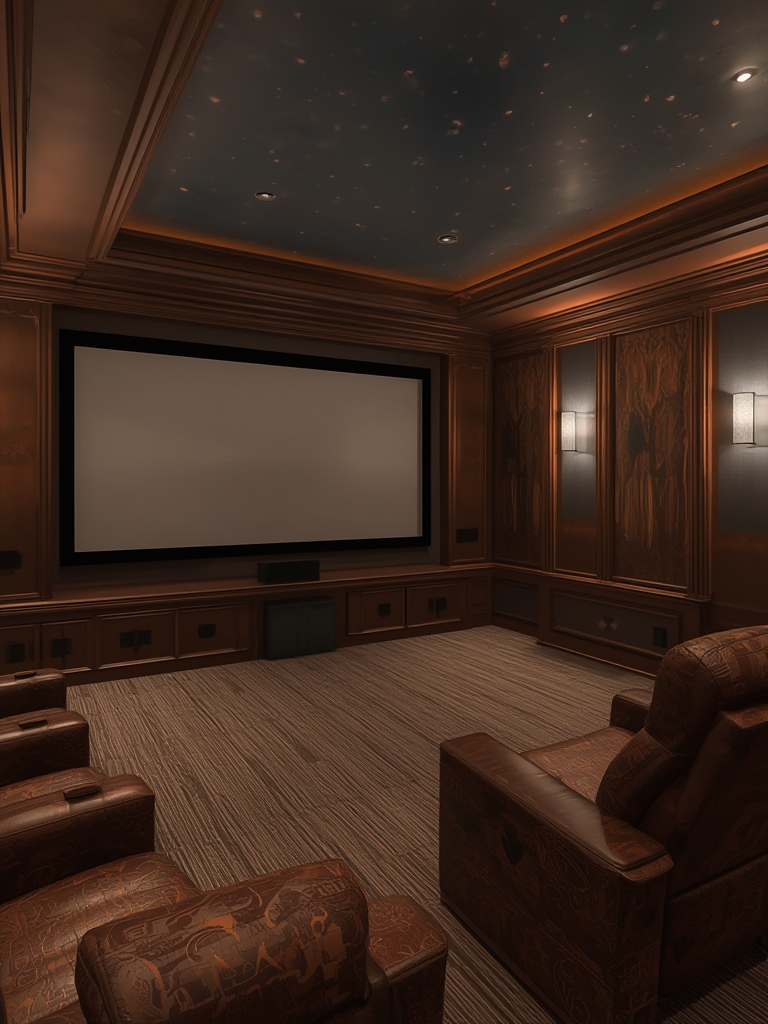
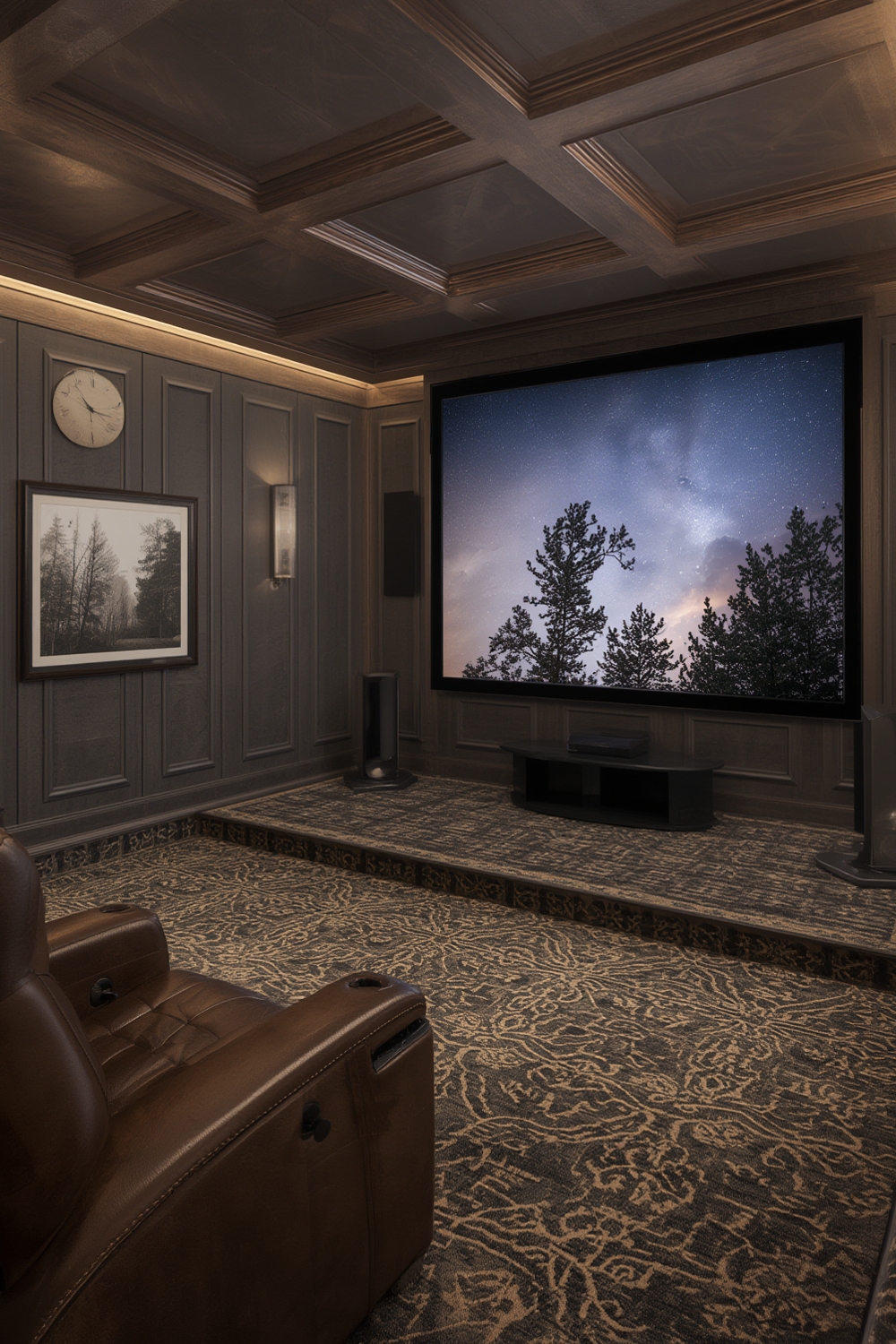
Turning an underused spare room into a high‑impact home theater isn’t just a luxury—it’s a smart investment that boosts your property’s resale value and enhances everyday entertainment. According to a 2024 Statista report, the U.S. home theater market grew 12 % year‑over‑year, driven by streaming‑first households and the rise of immersive audio formats like Dolby Atmos. By following a data‑backed, step‑by‑step plan, you can revive your media room with minimal waste, maximum performance, and SEO‑friendly content that attracts fellow enthusiasts to your blog.
Why Revive Your Media Room Now?
Modern viewers spend an average of 5.6 hours per day on video streaming (Nielsen, 2023). A dedicated media space reduces screen glare, improves sound isolation, and creates a “cinema‑like” experience that streaming services are optimizing for. Plus, a well‑designed theater can increase your home’s market appeal by up to 7 % according to Zillow’s 2024 home value analysis.
Step 1: Assess Your Space and Budget
Measure and Map
- Use a laser measurer or a simple tape to record length, width, and ceiling height.
- Sketch a floor plan in a free tool like Floorplanner—this visual will help you spot potential obstacles (doors, vents, windows).
- Calculate the room ratio (width ÷ depth). Ideal home theaters sit between 1.2 and 1.5 for balanced sound diffusion.
Set a Realistic Budget
Break down costs into four buckets: Acoustic treatment (20 %), AV equipment (40 %), Seating & décor (25 %), Smart integration (15 %). Use a spreadsheet to track each line item and add a 10 % contingency for unexpected expenses.
Step 2: Choose the Right Audio‑Visual Equipment
Display Options
Data from RTINGS.com shows 4K OLED panels now offer 0.5 ms response times at a price point comparable to 4K LED. For most rooms under 12 ft, a 75‑inch OLED provides the best contrast‑to‑brightness ratio without sacrificing viewing distance.
- Screen size rule: Viewing distance ÷ 1.5 = optimal screen diagonal.
- Consider a motorized screen if you need flexibility for daytime use.
Audio Systems
Dolby Atmos and DTS:X are the industry standards for immersive sound. A 5.1.2 setup (five ear‑level speakers, one subwoofer, two height speakers) covers 95 % of the recommended configurations for rooms under 250 sq ft.
- Invest in in‑wall or ceiling‑mounted height speakers to preserve floor space.
- Choose a receiver with auto‑calibration (e.g., Audyssey, YPAO) to simplify the tuning process.
Step 3: Optimize Acoustics and Lighting
Acoustic Treatment
Hard surfaces reflect sound, causing echo and muddiness. Use the Sabine formula to calculate the required absorption:
RT60 = 0.161 × (Volume / Total Absorption)
Target an RT60 of 0.3–0.4 seconds for dialogue clarity. Practical steps:
- Install bass traps in all four corners (minimum 2 ft × 2 ft).
- Place mid‑frequency panels at first reflection points—use a mirror trick: have a friend move a mirror along the wall; where you see the speaker, place a panel.
- Use heavy curtains or blackout blinds to control ambient light and add extra sound absorption.
Lighting Control
LED bias lighting behind the screen reduces eye strain and improves perceived contrast. Aim for 10–15 lux of warm‑white light (3000 K). Add dimmable smart bulbs (e.g., Philips Hue) and program scenes for “Movie Night” and “Gaming” via your home automation hub.
Step 4: Integrate Smart Controls and Streaming
Unified Remote
Choose a universal remote that supports HDMI‑CEC, IR, and Bluetooth (e.g., Logitech Harmony Elite). Pair it with a voice assistant (Amazon Alexa or Google Assistant) for hands‑free power, volume, and source switching.
Streaming Sources
Data from Reelgood shows 68 % of viewers use multiple streaming services. Consolidate them with a dedicated streaming device (NVIDIA Shield, Apple TV 4K) that supports 4K HDR10+ and Dolby Vision. Add a NAS (Network‑Attached Storage) for local 4K media and use Plex for library management.
Network Considerations
Ensure a wired Ethernet connection to the receiver for stable 4K HDR streaming. If Wi‑Fi is unavoidable, use a Wi‑Fi 6 router and place the access point within 10 ft of the media room to maintain >150 Mbps throughput.
Step 5: Fine‑Tune Calibration and Ongoing Maintenance
Audio Calibration
Run the receiver’s auto‑calibration after placement changes. Then manually adjust:
- Speaker distance – set each speaker’s delay to match the measured distance (use a laser distance meter).
- Level matching – use an SPL meter to ensure each ear‑level speaker peaks at 75 dB for a 20 Hz test tone.
- Subwoofer phase – slide the phase knob while playing a bass sweep; aim for the deepest, most consistent bass response.
Visual Calibration
Use a calibration disc (e.g., Disney WOW) or free software like CalMAN to set brightness, contrast, and color temperature. Target a black level of 0.05 cd/m² and a peak brightness of 300–350 cd/m² for HDR content.
Maintenance Checklist
- Dust speaker grills and screen surface weekly.
- Run a firmware update on all devices monthly.
- Re‑run audio calibration every 6 months or after moving furniture.
- Check cable connections for wear; replace HDMI 2.1 cables every 3–4 years.
SEO Boost: Turning Your Post Into a Traffic Magnet
To rank for “media room home theater revival,” embed these LSI keywords naturally throughout the article: home theater design, Dolby Atmos setup, acoustic treatment tips, 4K OLED screen, smart home theater automation. Use an SEO‑friendly URL like /media-room-home-theater-revival and a meta description that highlights the data‑driven steps (150‑160 characters).
Include internal links to related posts such as “Best Dolby Atmos Speakers for Small Rooms” and “How to Choose the Perfect 4K TV”. Add an outbound link to a reputable source (e.g., Statista, RTINGS.com) to increase E‑E‑A‑T signals. Finally, embed a short schema.org Article markup to help search engines understand the content structure.
Final Thoughts
Reviving a media room is a blend of precise measurement, data‑backed equipment choices, and thoughtful design. By following the steps above, you’ll create a space that delivers cinema‑grade immersion, adds tangible home value, and provides endless content for your blog’s SEO growth. Ready to press play? Your new home theater awaits.